
 CV Maker
  Cover Letter Generator
  Invoices
  Certificates
  Letters
  Insurance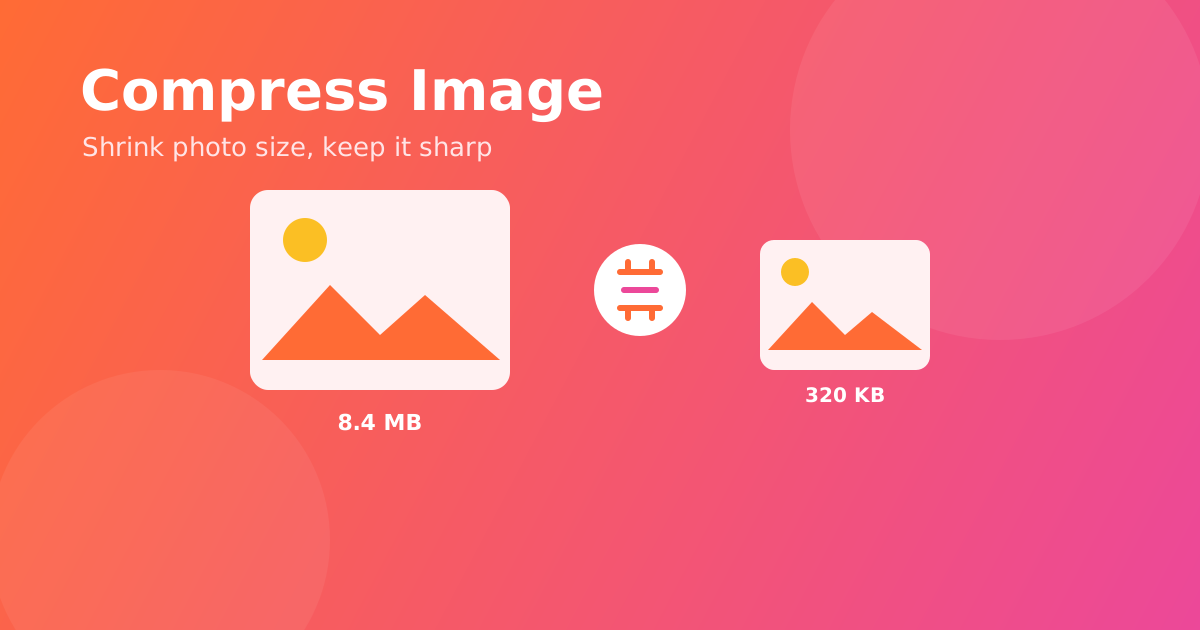
How to Compress an Image and Reduce Photo Size (Free, No Quality Loss)
Phone cameras now produce photos that are 5–12MB each — too heavy to email, slow to upload, and quick to fill up a website form that caps images at 2MB. Compressing an image shrinks the file size dramatically while keeping it sharp to the eye. Here's how, in under a minute and free.
Why compress images?
- Beat upload limits on job forms, government portals, and marketplaces.
- Faster websites — large images are the #1 cause of slow pages.
- Send more in one email without hitting attachment caps.
- Save storage on your phone and cloud.
Steps: compress an image
1. Open the Compress Image tool
Go to Confileo's Compress Image tool. It's free, no signup, and runs in your browser on any device.
2. Upload your photo
Drag and drop a JPG, PNG, or WebP, or tap to choose it from your gallery.
3. Pick a compression level
A higher level means a smaller file. For most photos, you can cut 60–80% of the size with no visible difference.
4. Download the smaller image
Save your optimized photo instantly. Your file is processed securely and deleted automatically.
Tips to shrink files even more
- Resize first if the image is huge — use Resize Image to set exact dimensions, then compress.
- WebP gives the smallest size for the web; JPG is safest for sharing.
- Compressing many photos? Do them one after another — it takes seconds each.
Frequently asked questions
Will my photo look worse? At normal levels the difference is invisible to the eye, while the file gets several times smaller.
What formats are supported? JPG, PNG, and WebP — the most common image types.
Is there a watermark or signup? No. It's completely free, with no watermark and no account required.
Ready to lighten your images? Compress an image now — free and instant.