
 CV Maker
  Cover Letter Generator
  Invoices
  Certificates
  Letters
  Insurance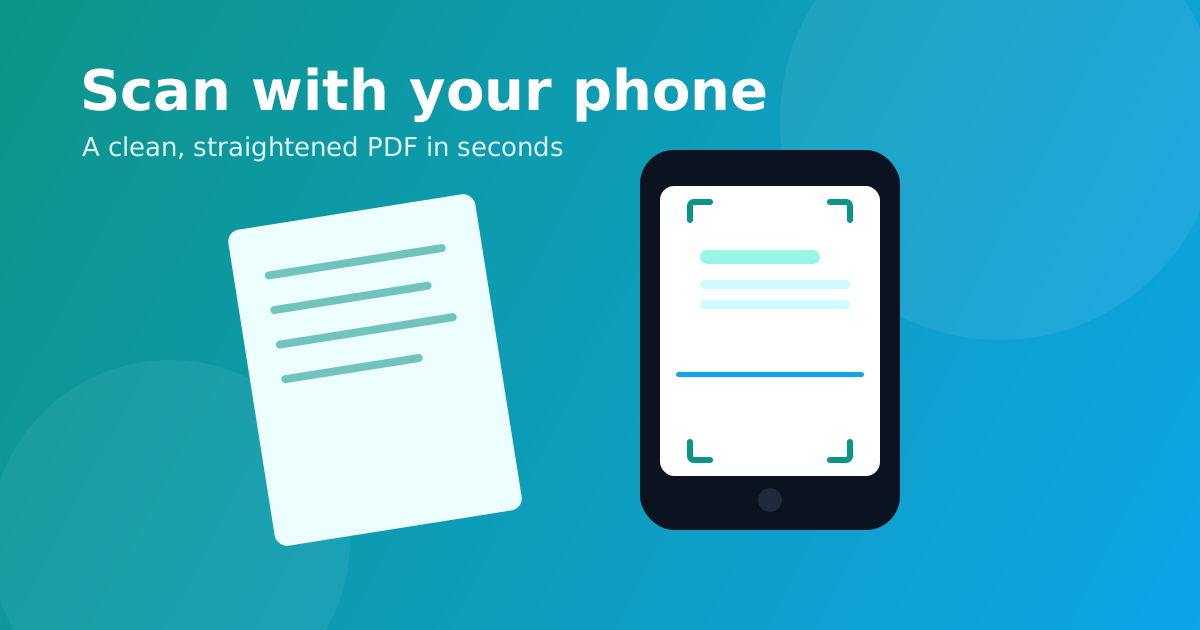
You don't need a bulky scanner anymore — the phone in your pocket is better. But a plain photo of a document looks crooked, has shadows, and is hard to read. A proper scan detects the page, straightens it, and cleans it up into a crisp PDF. Here's how to do it for free, in your browser, in under a minute.
Why scan instead of just photographing?
- Straight, flat pages — perspective correction removes the tilt.
- Crisp and readable — enhancement makes text sharp, like a real scanner.
- One tidy PDF — combine several pages into a single file.
- Smaller and shareable — far better than a heap of phone photos.
Steps: scan a document with your phone
1. Open the Document Scanner
Go to Confileo's Document Scanner on your phone. It's free, needs no app, and runs right in your browser.
2. Take or upload a photo
Snap a photo of your document or pick one from your gallery. Lay the page flat with good light for the best result.
3. Adjust the corners
The tool auto-detects the document edges. If needed, drag the four corners to fit the page exactly.
4. Choose a style and scan
Pick Magic for a balanced look, B&W for crisp text documents, Grayscale for receipts, or Color. Add more pages if you like.
5. Download your PDF
Export all pages as one clean, multi-page PDF. Everything happens in your browser, so the photo never leaves your device.
Tips for the best scan
- Use even lighting and avoid shadows from your hand.
- Place the document on a contrasting surface so the edges are easy to detect.
- For text you want to copy later, scan first, then run it through Image to Text (OCR).
Frequently asked questions
Is it as good as a real scanner? For everyday documents, yes — edge detection, perspective correction and enhancement give a clean, straight, scanner-like page.
Can I scan multiple pages into one PDF? Yes. Scan each page, reorder them, then download them combined into a single PDF.
Are my photos uploaded anywhere? No. The entire scan runs in your browser, so your document stays private on your device.
Ready to ditch the scanner? Scan a document now — free and instant.