
 Logo Maker
  Business Cards
  Menu Maker
  Greeting Cards
  CV Maker
  Cover Letter Generator
  Invoices
  Certificates
  Letters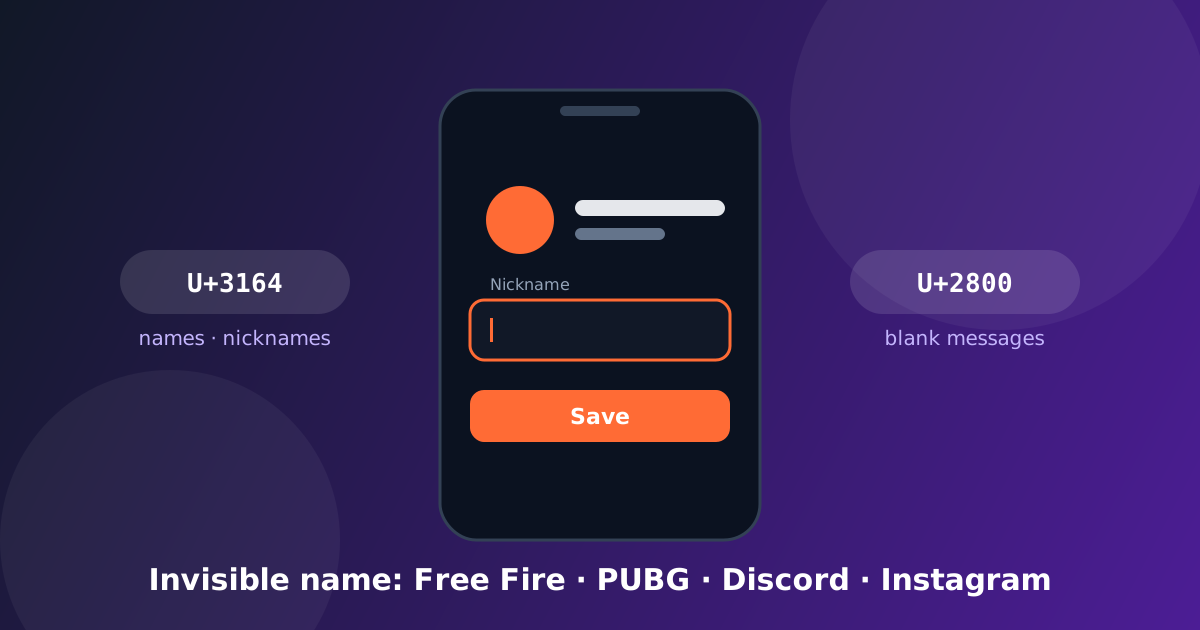
An "invisible name" is not a glitch and not a mod. It is an ordinary Unicode character that has no visible shape — this one, between the brackets: [ㅤ]. An app that insists on at least one character in the name field accepts it, so the name looks empty. You copy the character once, paste it where the name goes, and save. Nothing to install, nothing to sign up for.
The part most guides skip is that different apps keep different characters. Paste the wrong one and the app either strips it or tells you the name is invalid. Here is what works where, as tested in early September 2026, and what to do when it does not.
The two characters that matter
- Hangul Filler (U+3164) is the one that name fields keep: Free Fire and PUBG nicknames, the Instagram name field, TikTok nicknames, Discord display names.
- Braille Blank (U+2800) is the one that chat messages keep: WhatsApp, Discord and Telegram all send it as an empty bubble.
- Zero-width space (U+200B) is what many older guides tell you to use. Most apps now strip it. WhatsApp will not send a message that contains nothing else.
All three are on the invisible text page. The first button on that page copies one Hangul Filler; the "more blank characters" section under it has the rest. If you want your own name with the blank built in, such as a taken name made available or a spaced-out nickname, the invisible name generator makes it from what you type.
TikTok
The "invisible name TikTok 2026" videos all use the same character: Hangul Filler, U+3164. It goes in the Name (the display name), not the username — the username field accepts only letters, digits, dots and underscores, so no blank character works there.
- Copy one Hangul Filler from the invisible text page (tap Copy 1 character), or select the one between the brackets above.
- Open your profile, tap Edit profile, then Name.
- Delete the current name, paste, and save. The name shows as blank; the username underneath stays as it was.
The same character works in the TikTok bio for an empty line. If TikTok says the name is too short, paste it twice.
Free Fire
- On the invisible text page, tap Copy 1 character.
- In the game, open your profile, tap the nickname, delete the old name and paste.
- If the game answers that the name is too short, paste the same character a second time.
- Confirm. Changing the nickname costs 390 diamonds or a rename card, so do the paste before you pay, and check the preview.
Some regional servers treat a blank name as a naming-rule violation. If your server's rules mention "empty or misleading names", use a single visible letter plus the filler instead.
PUBG Mobile and BGMI
Same character, same steps, but the name field only opens with a rename card. You receive one around level 10 and occasionally from events. Paste one filler; two if the game says the name is too short.
Discord
Since the 2023 username change, a Discord username can only contain lowercase letters, digits, dots and underscores. No invisible character will ever pass there. What can be blank:
- Your display name (Settings → My Account → Display Name): paste a Hangul Filler.
- Your nickname in a server (right-click yourself → Edit Server Profile): same.
- An empty message: paste a Braille Blank. Discord strips zero-width characters but sends U+2800.
The username rejects every invisible character; it allows only letters, digits, dots and underscores. The name field and the bio accept the Hangul Filler. For spacing in a bio, put one filler on each line you want to keep empty, because Instagram removes lines that contain only spaces. For an empty comment, use the Braille Blank.
For a blank message, paste the Braille Blank and send. If you paste a zero-width character instead, the send button stays grey because WhatsApp sees an empty message. The profile name accepts the Hangul Filler in current versions; older builds show it as a small box.
When it does not work
The button did nothing. Links opened from inside TikTok or Instagram run in the app's own browser, which often blocks the clipboard. The invisible text page has a "copy it manually" box for exactly this: the character sits between two brackets; select it with your finger and copy. Or open the page in Chrome or Safari.
The name was rejected. You probably used a character the app strips. Try the other one. Roblox is the usual case: its filter changes often and most fillers are removed on save, so look at the preview before you confirm and keep your old name if it is rejected.
You are not sure it worked. Paste what you copied, or the message you sent, into the "Did it work?" box on the page. It counts the characters and says how many are invisible and which code points they are. If it reports zero, the app removed the character.
Two names look identical. They are not; each blank is a real character with its own code point. That also means anyone can detect an invisible name with a character counter: a "blank" that counts as one character contains one.
Is it safe?
These are standard Unicode characters. Pasting them touches nothing in the app and is not a hack. Two honest limits: a few games list blank names among the things that can get a nickname reset, so read the naming rules of the game you care about; and an invisible name is trivially detectable, so it hides nothing.
If what you want is to hide a message inside normal-looking text rather than blank out a name, that is a different trick with the same characters: the ghost text tool encodes a sentence into zero-width characters and reads it back.